



















































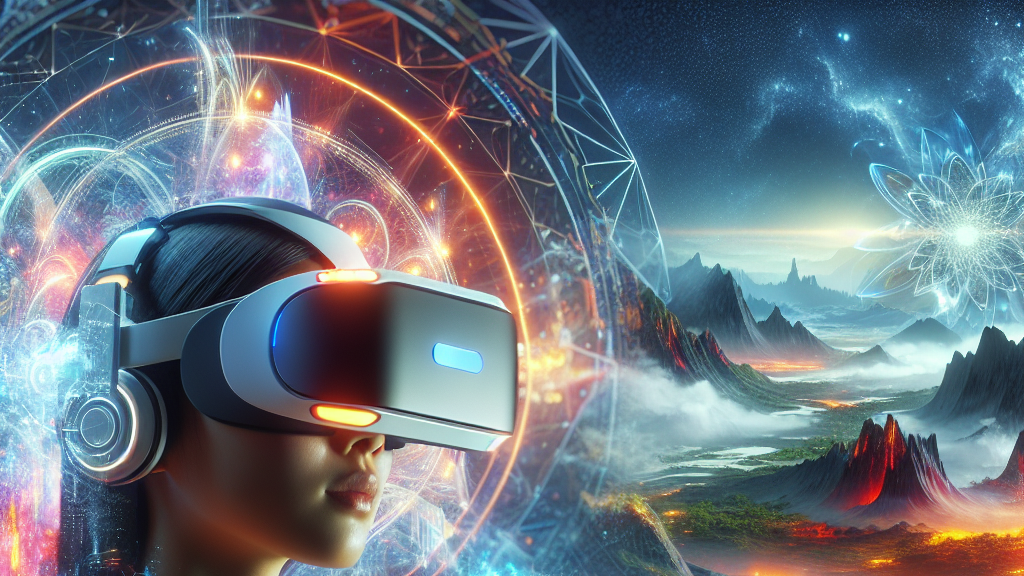
What if you could create an entire 360° immersive video using just a simple text description or a single snippet from your phone’s camera? That’s the magic of VideoPanda, a groundbreaking tool that’s bringing panoramic video creation within reach for everyone. No need for fancy equipment or a dozen cameras—just the power of your words or a single view can open up new worlds.
VideoPanda uses advanced ‘multi-view attention layers,’ which is a techy way of saying it can look at a video or read some text and imagine how it might look from all angles. It then stitches these views together into a seamless 360° video. This isn’t just a virtual version of spinning in your chair—it’s a way to dive deep into the scene, feeling as if you’re there. It’s like giving your camera magical power to transform a simple video clip into an endless journey of sights and sounds.
Imagine being able to design your own virtual adventure park or recreate a memorable vacation spot from just a few words or a video. This tech isn’t just for filmmakers or VR enthusiasts; it’s a game-changer for anyone looking to express creativity or relive memories in a truly immersive way. In the not-so-distant future, we might all be crafting our own virtual universes, thanks to tools like VideoPanda.
VideoPanda can turn a text description into a full 360° video, offering a new way to explore and build virtual worlds with minimal technical know-how.
FAQs
How does VideoPanda create panoramic videos from text or single-view video?
VideoPanda uses advanced AI techniques known as ‘multi-view attention layers’ to extrapolate different angles from a text description or a single-view video, then combines these views into a seamless 360° video.
What makes VideoPanda different from other video generation tools?
Unlike other tools that require complex setups and equipment, VideoPanda allows users to create immersive panoramic videos using minimal input, making the technology accessible to a broader audience.
Can VideoPanda handle different styles or themes in the videos it creates?
Yes, VideoPanda’s AI is designed to interpret diverse text prompts and video inputs to deliver a wide range of video styles and themes, making it versatile for various creative needs.
What are the practical applications of VideoPanda’s technology?
Beyond creative projects, VideoPanda can be used for virtual tours, educational experiences, promotional content, and personalized storytelling in a 360° format.
Is any special equipment needed to use VideoPanda?
No special equipment is required; users can input a text description or a single-view video directly into the system for processing.
Background
Creating panoramic videos usually involves several cameras set up in a circular fashion, capturing views from multiple angles. With VideoPanda, the process is simplified by using AI to predict and generate these views from limited input, allowing the creation of a full 360-degree video using just a single frame of reference or even a text description.
History
The field of panoramic video creation has historically relied on physical camera rigs to capture multi-angle footage simultaneously. Innovations in AI have gradually reduced the need for such elaborate setups by synthesizing views through computational means. VideoPanda builds on these advancements by integrating text and video data to streamline the creation process even further.
Based on “VideoPanda: Video Panoramic Diffusion with Multi-view Attention” by Kevin Xie, Amirmojtaba Sabour, Jiahui Huang, Despoina Paschalidou, Greg Klar, Umar Iqbal, Sanja Fidler, Xiaohui Zeng, available on arXiv (arxiv.org/abs/2504.11389), used under CC BY 4.0 (creativecommons.org/licenses/by/4.0/).